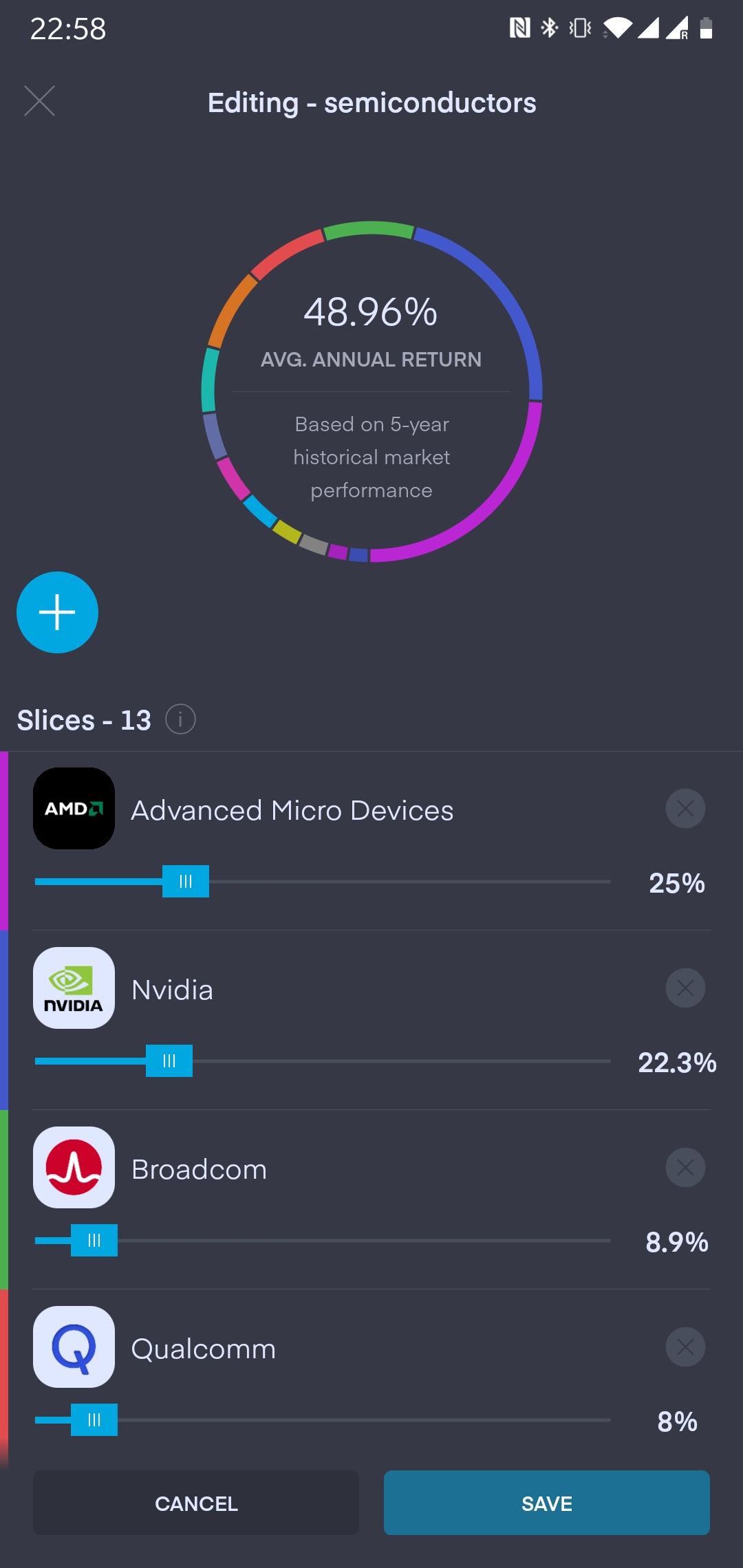
I think this is the issue I’m having. I manually invest monthly into 11 ETF’s but having them now in a pie I’m not sure how to set the weight to 100% through them all.
I basically work off VWRL % and then with a few other ETF’s add what I can.
How do I set the target weight? Do I just copy the actual weight on the left or round it up/down?
Once this is figured out I can continue investing but right now I can’t set auto invest as it won’t distribute the way I want?
To reset the target weight, go to your pie and select “holdings”. Then scroll down to the bottom and you will see an option called “Edit Pie” Clicking on that will lead you to the target weight screen for each of your holdings. Using th slider (I find it easier to click on the % and type in the amount) you can adjust the target weight. Be warned it will not allow you to save the changes until the total target weight is 100%. Hope this answers your question.
Yeah see I got that far but what I couldn’t figure out was what % exactly I’m supposed to set it at?
Say I invest £100 per month solely into this pie do I then set the % out into each ETF
S&P - 35% so £35
VUSA - 5% so £5
And so on
Thing is does that actually make a difference on the weighting (Overall yearly return?) like I don’t know if I’m setting it to under perform or over perform or if I was to tweak it here and there could I make it perform better?
Please tell me I’m just over thinking it as I’m sure you could sit all day moving the % slider up and down to create a bigger yearly return?
I’m using VWRL as a rough guide and topping up the others with my own %
Apologies if I’ve made that utterly confusing. I’m good to go once I figure this out
I am managing to transfer the shares to the pie. But when I try to confirm the import a message appears on a black background that tells me that the sliders must be greater than 100%. I am not able to solve this problem
Hello @George
What a great change ! Thanks !
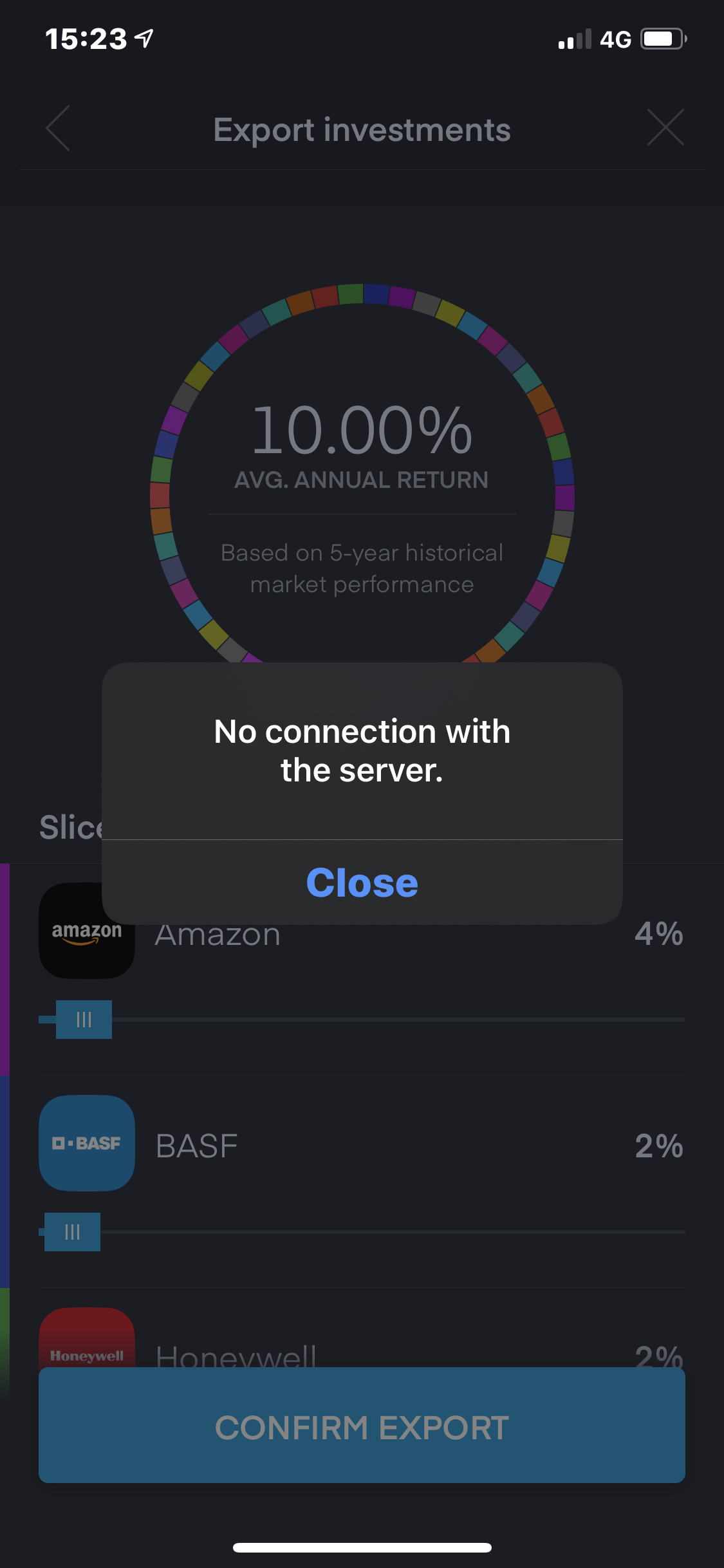
I have an issue in one of my pies, while exporting some stocks. I get the error message:
‘no connection with the server.’
@femo66 I found that happens when “something else” is trying to log you off, ie do you have web app open as well? or some “zombie” process running on your mobile. Try force quitting T212 app and start it again.
this might be a weird edge case bug then, have you tried exporting one share at a time? I am not suggesting this as a solution but may be we can pinpoint if this happens for a particular share everytime instead of completely random.
@George, shall i wait here for a solution, or shall i post in another section of the forum ?
Or shall i even contact support ? Please let me know what would be the easiest way for you guys.